Standard
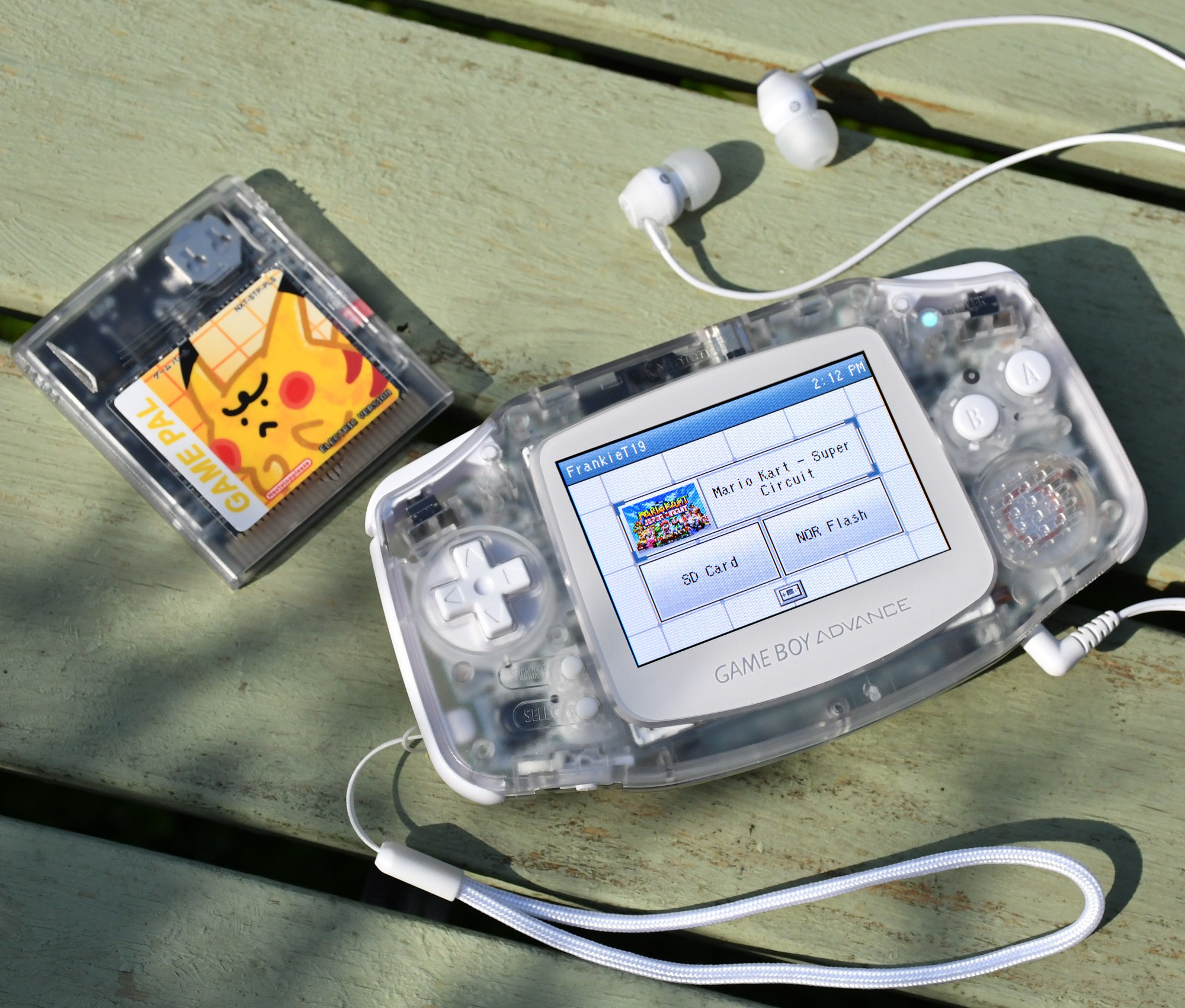
DS Style
The default Nintendo DS-inspired look.
 Manager
Browser tools
Manager
Browser tools
Guided setup
Prepare a blank, stock or Simple SD card, or update DS Style without changing personal files.
Choose your starting setup here. You can change every option later from Settings on the GBA.
Install adds the required files. Update replaces only the kernel on an existing DS Style SD card.
Files stay on this device. Updating leaves personal files untouched; a full install safely preserves existing content.
Thumbnail maker
Add one image, fill artwork for games on your SD card, or build a complete GBA pack.
Create artwork for one game, file or folder, then save it directly to the connected SD card.
Search the public Game Boy Advance artwork library.
DS Style calls wide artwork Title and square artwork Box in Settings.
Save to SD card writes the finished image directly to the correct DS Style folder. Each CUSTOM folder supports up to 256 images.
Scan installed emulated games and add matching artwork to the connected SD card.
Scan every supported emulated system, or tune one console at a time.
No artwork folder selected.
DS Style calls wide artwork Title and square artwork Box in Settings.
Move regions into the order DS Style should try when releases share a header code.
Choose one console to adjust its crop. Each console remembers its own position.
Loading preview artwork...
Emulated games use exact-name CUSTOM artwork. Each CUSTOM folder supports up to 256 images.
Connect an SD card to scan installed games.
Alternative kernels
Add a ready-made style or manage the .bin files shown by Settings > Interface > Load style.
Styles are added to the connected card. Choose Load style on the GBA when you are ready to switch.
The default Nintendo DS-inspired look.
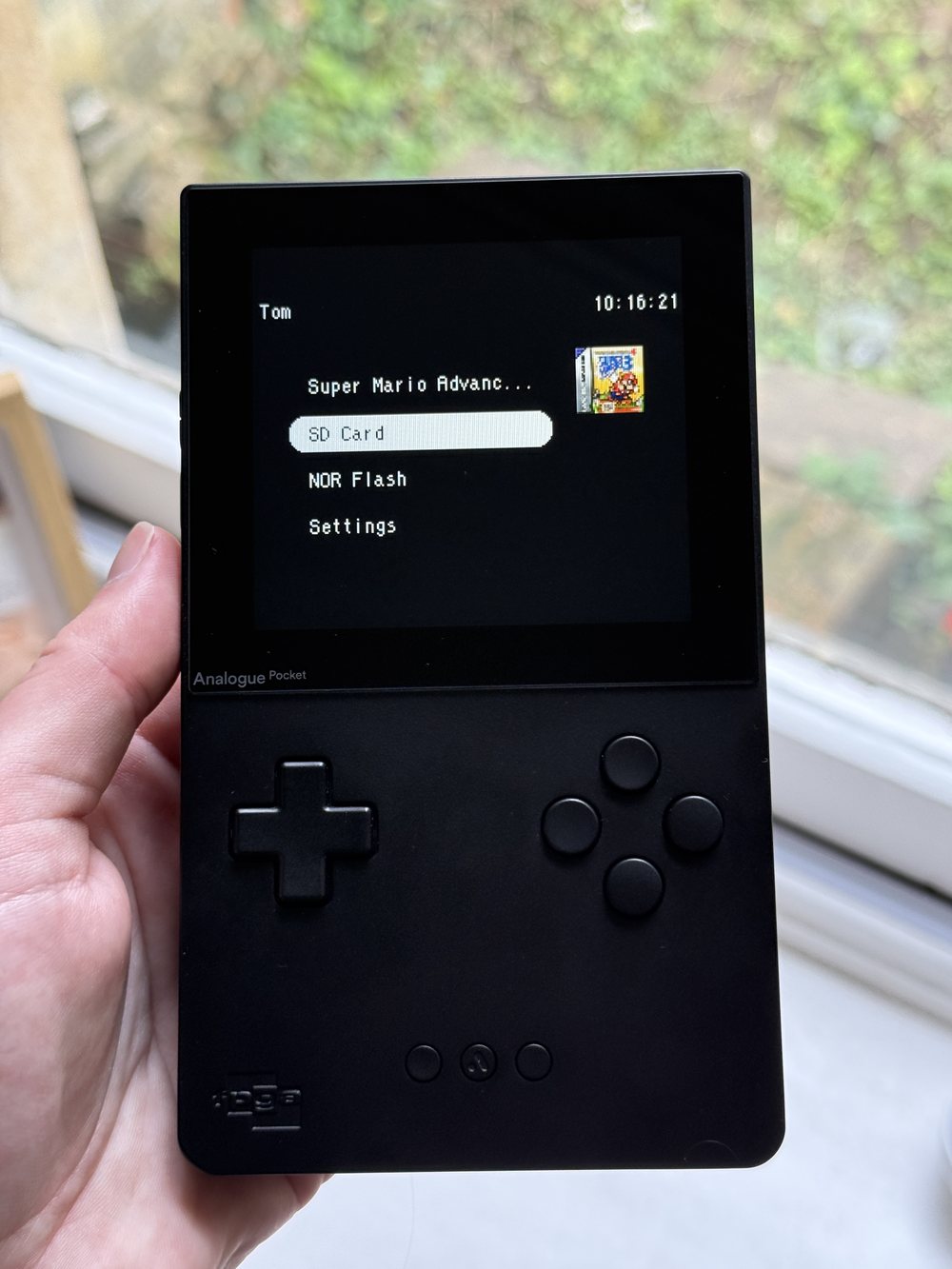
A monochrome style inspired by the minimal Analogue Pocket interface.
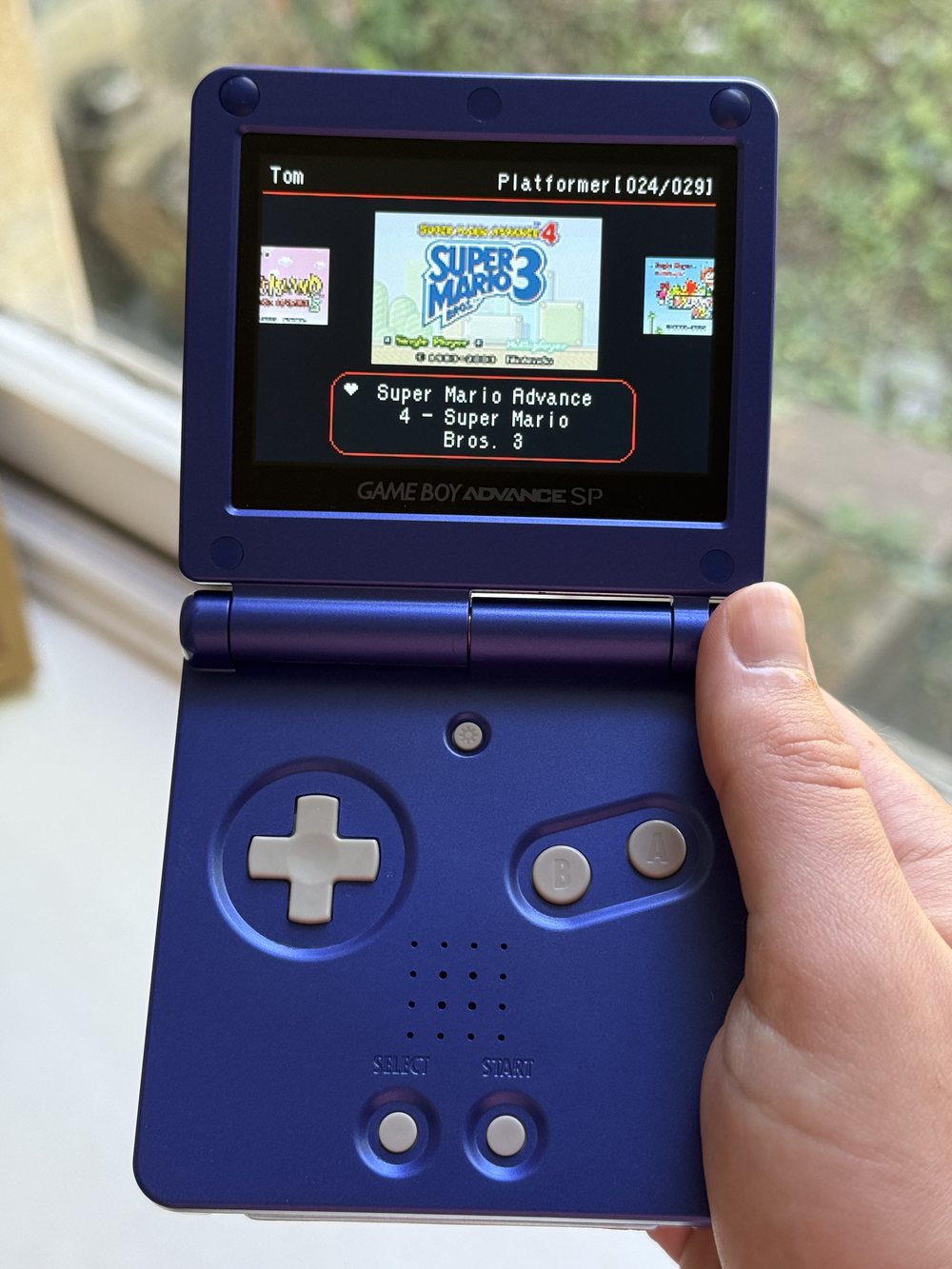
A homage to Sterophonick's Simple theme.
Custom `.bin` files can still be added with the button above.
Your installed styles will appear here.